


Discover cybersecurity for manufacturing and how to address manufacturing cybersecurity threats. Learn practical steps to protect your operations and data.
View More
Zero-trust network access (ZTNA) is changing how businesses protect their data and systems. Instead of trusting everyone inside your network, ZTNA uses strict access control to verify every user and device. In this blog, you’ll learn what zero-trust network access means, how ZTNA works, the benefits over VPN, and how to choose a ZTNA solution. We’ll also cover the basics of zero-trust architecture, practical steps for implementation, and common challenges businesses face with secure access and application access.
Zero-trust network access is a security model that doesn’t automatically trust anyone—inside or outside your network. Instead, it checks every access request, making sure only the right people and devices can reach sensitive data or applications. This is different from older security models that assumed everyone inside the network could be trusted.
With ZTNA, you get better protection against threats that might already be inside your system. It helps stop attackers from moving around your entire network if they get in. By using access policies and monitoring every connection, ZTNA keeps your security posture strong and your business data safer.
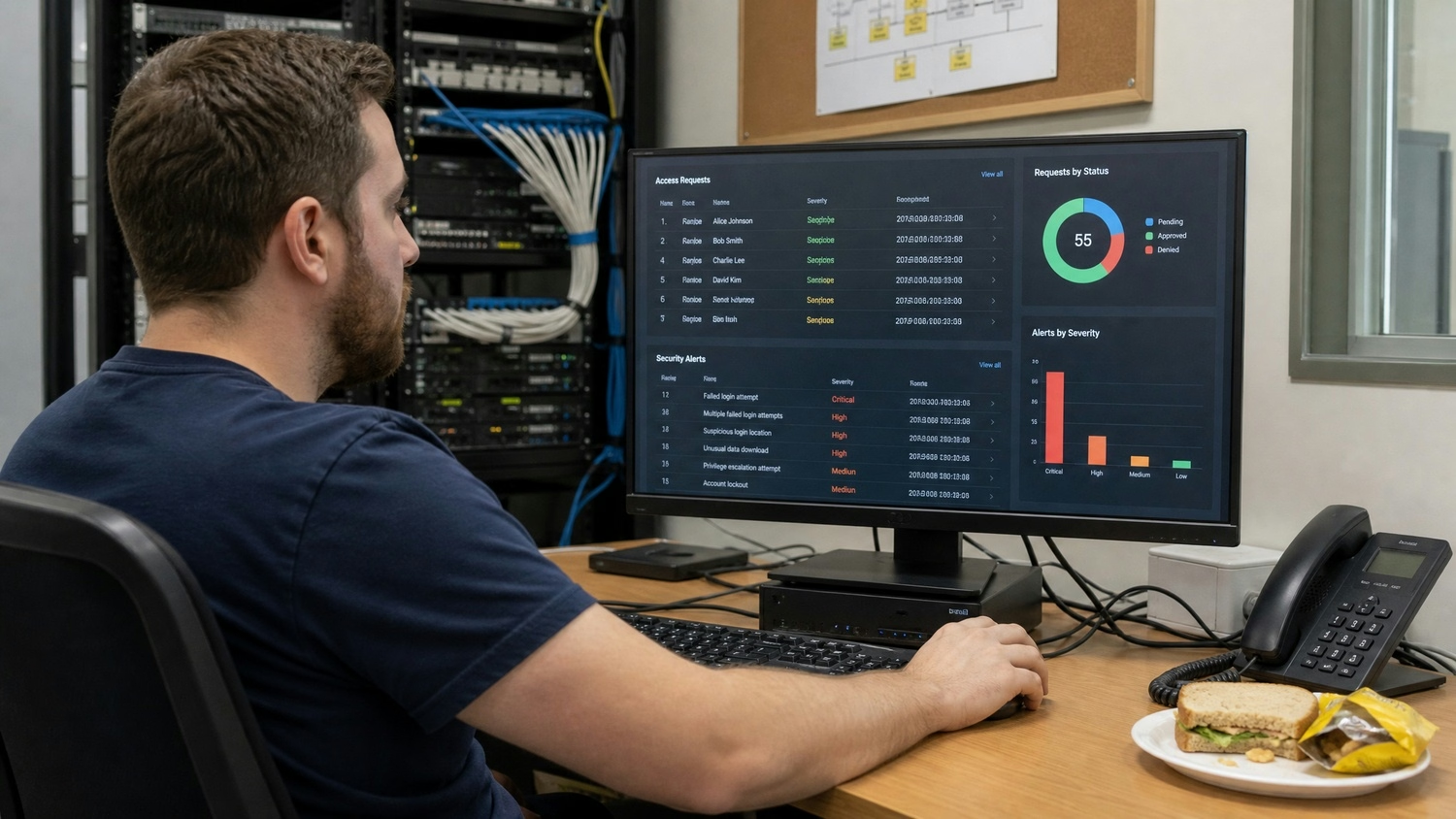
Rolling out zero-trust network access can seem complex, but breaking it down into clear strategies makes it manageable. Here are some key steps to help your business get the most out of ZTNA:
Begin by identifying your most important data and applications. Protect these first with strict access controls. This ensures your most valuable information is secure from the start.
Set up rules for who can access what, when, and how. By making these access policies specific, you reduce the risk of unauthorized access and make it easier to spot unusual activity.
Adding another layer of verification, like a code sent to a phone, makes it much harder for attackers to get in—even if they have a password. Multi-factor authentication is a simple way to boost security.
Keep track of every attempt to access your network or applications. Monitoring helps you catch suspicious behavior early and respond quickly to possible threats.
Don’t assume anyone or any device is safe just because they’re inside your network. Always verify, and never grant broad access without checking.
As your business grows, your needs change. Review your access policies often to make sure they still fit your current situation and risks.
Zero-trust network access brings several important benefits for businesses:

ZTNA and VPN both help users connect to business resources, but they work in very different ways. VPN creates a secure tunnel into your network, but once inside, users often have broad access. This can be risky if someone’s credentials are stolen.
ZTNA, on the other hand, only allows access to specific applications or data based on strict policies. It checks every access request, reducing the risk of attackers moving freely if they break in. This approach fits better with remote work and cloud services, where traditional network boundaries don’t always exist.
Choosing the best ZTNA solution for your business means looking at more than just features. Here’s what to consider:
Look at how your business handles access control today. Knowing your starting point helps you find a ZTNA solution that fits your needs.
List the applications your team needs to access, both on-site and remotely. Make sure the solution supports all of them.
A good ZTNA solution should work with your current IT systems, like identity management and monitoring tools. This makes the switch smoother and keeps your workflow running.
Choose a solution that’s easy for your team to use. Complicated systems can slow down work and lead to mistakes.
Pick a provider that offers strong customer support and regular updates. This keeps your security model current as threats change.
Make sure the ZTNA solution can grow with your business. As you add more users or applications, your security should keep up.
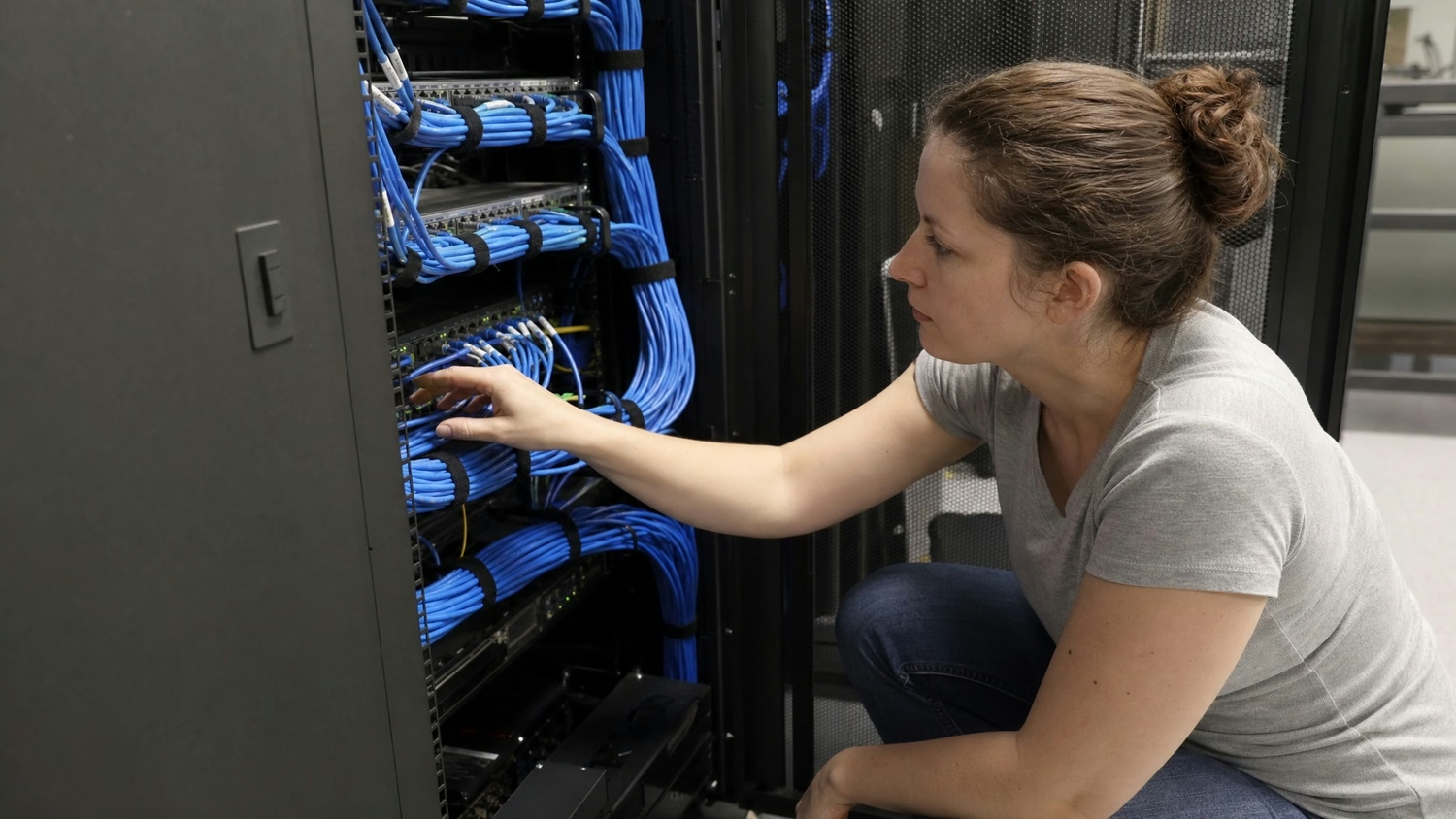
Putting zero-trust architecture in place takes planning and teamwork. Start by getting support from leadership and explaining the benefits of zero-trust security to everyone involved. Work with your IT team to map out which users need access to which resources, and set up access controls that match those needs.
Test your new system with a small group before rolling it out to everyone. Use feedback to fix any issues and make sure the transition is smooth. Keep training your team on security best practices, and review your setup regularly to stay ahead of new threats.
Keeping your zero-trust access strong requires ongoing effort. Here are some best practices:
Following these steps helps your business stay protected and ready to handle new security challenges.

Are you a business with 25-75 employees looking to improve your network security? Growing companies often face new risks as they add more users and applications. Zero-trust network access can help you keep your data safe without slowing down your team.
At Capstone Works, Inc., we understand the challenges of building a reliable security model. Our team can guide you through every step of implementing zero-trust architecture, from choosing the right ZTNA solution to setting up secure access controls. Reach out to us today to see how we can help protect your business.
ZTNA gives you more control over who can access your systems by checking every access request. This means only approved users and devices get in, lowering your risk of data leaks. With ZTNA, access control is always enforced, even for remote workers or contractors.
By using specific access policies, you can limit access to sensitive data and applications. This approach helps small businesses protect their entire network without making things complicated for users.
Zero-trust network access only grants access to the applications or data a user needs, instead of opening up the whole network like a VPN. This reduces the chance of attackers moving around if they get in. ZTNA also checks every access request, making your network security stronger.
Unlike VPN, ZTNA is easier to manage and scales better as your business grows. It’s a good fit for companies that want to improve their security posture and support remote work.
A ZTNA solution lets you set up rules for who can use each application. This means users only see and access what they need, keeping other parts of your system hidden and safe. Secure application access is built into the design.
ZTNA also tracks every attempt to access applications, so you can spot problems fast. This helps you maintain strong network security and meet compliance requirements.
Zero-trust architecture is a security model that never assumes anyone is safe. It checks every user and device, every time they try to connect. This stops attackers from moving freely if they get in.
By using zero-trust architecture, you reduce implicit trust and make it harder for threats to spread. It’s a smart way to protect your business as you grow and use more cloud services.
Start by mapping out who needs access to what, then set up clear access policies. Use tools that make secure access easy, like single sign-on and multi-factor authentication. This keeps things simple for your team while improving security.
Regularly review your setup and ask for feedback from users. With the right approach, you can implement zero trust access without making daily work harder.
Look for a tool that supports your current applications and can grow with your business. Make sure it works with your existing IT systems and offers strong support.
A good zero-trust application access tool should also provide detailed monitoring and reporting. This helps you keep track of access requests and spot any unusual activity quickly.


Discover cybersecurity for manufacturing and how to address manufacturing cybersecurity threats. Learn practical steps to protect your operations and data.
View More
Learn about remote monitoring and management, RMM meaning, and how the right solution boosts security, reduces downtime, and streamlines IT for your business.
View More


.svg)


