




Learn how to build a cloud migration strategy with our expert cloud migration checklist. Discover steps, tools, and tips for a smooth, secure migration process.
View More
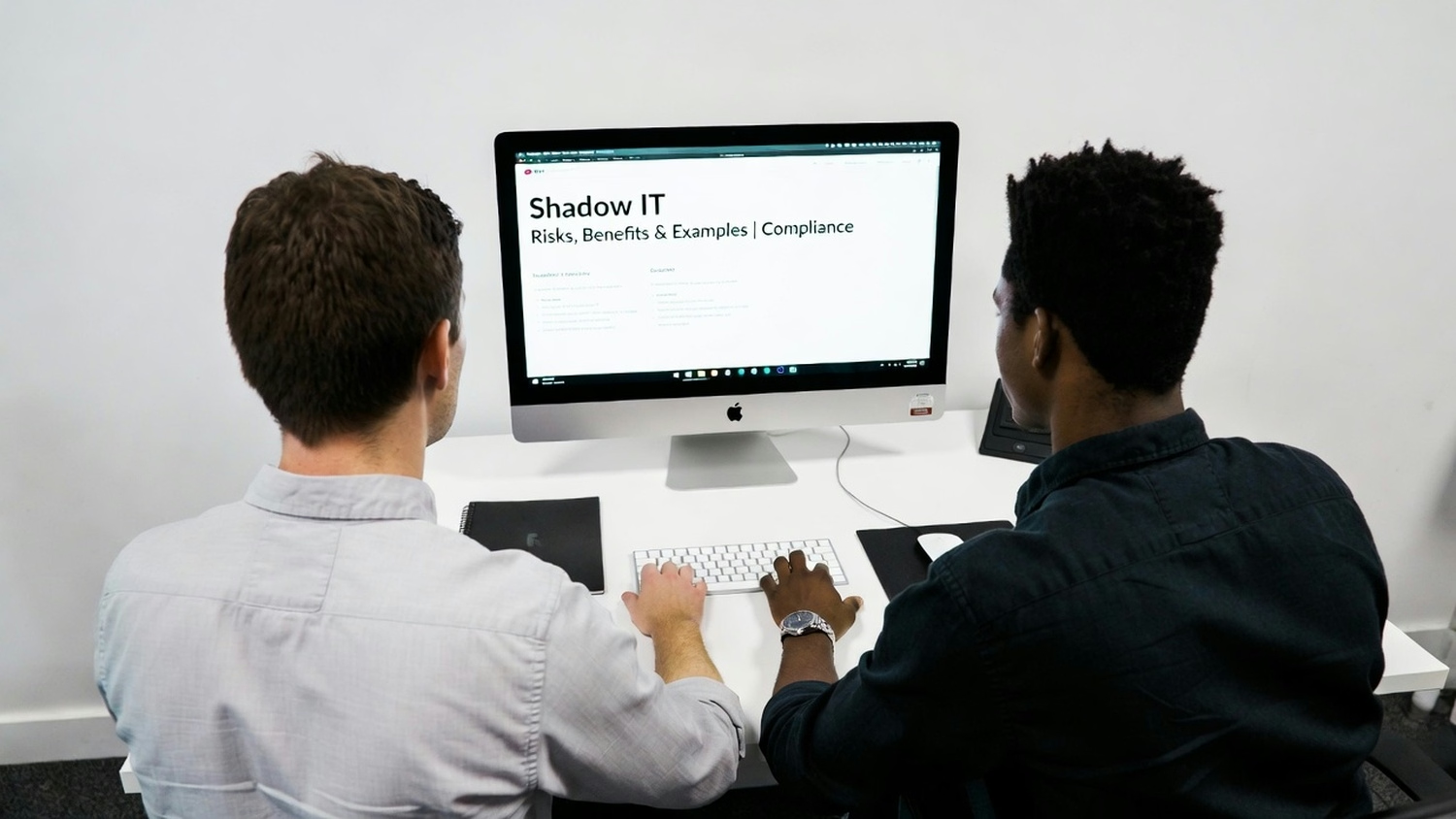
Shadow IT is more common than many businesses realize. When employees use tools or software without approval, it can open the door to security risks and data loss. In this article, you'll learn what shadow IT is, why it happens, and how it affects your organization. We'll cover the main risks, the benefits, compliance concerns, and practical steps to manage shadow IT. You'll also see real-world examples, key benefits, and common challenges to watch for. By the end, you'll know how to spot shadow IT and what to do about it.
Shadow IT refers to any software, device, or cloud service that employees use without approval from the IT department. This could be anything from a file-sharing app to a messaging platform. Many teams turn to these tools because they want to work faster or find current solutions lacking.
While shadow IT can boost productivity, it also creates security gaps. Unauthorized tools can bypass security policies, making it easier for sensitive data to leak or for malware to enter your network. For businesses, this means a greater attack surface and more oversight challenges. It's important to understand both the risks and the reasons why shadow IT happens so you can address it effectively.

Shadow IT can seem harmless, but it brings real dangers. Here are some of the biggest risks you should be aware of:
When employees use unapproved cloud storage or messaging apps, sensitive data can end up outside your secure environment. This makes it easier for hackers to access confidential information and can lead to costly data breaches.
Many industries have strict rules about how data must be handled. If employees use shadow IT, your business could accidentally break these rules, leading to fines or legal trouble. Keeping track of all tools in use is essential for meeting compliance standards.
Shadow IT often skips the usual security checks. This means malware or ransomware can slip through unnoticed, putting your entire corporate network at risk. Regular scans and monitoring help reduce this vulnerability.
When IT teams don't know what tools are being used, they can't protect company data properly. This lack of visibility makes it hard to spot problems or respond quickly to threats.
Multiple teams using different tools for the same job can lead to confusion and inefficiency. It also wastes money on duplicate software and creates support headaches for IT staff.
Every new, unapproved app adds another way for cybercriminals to get in. The more shadow IT you have, the bigger your attack surface—and the harder it is to keep everything secure.
If employees use personal devices or unsupported software, important files can be lost if those tools fail. Regular backups and approved solutions help prevent this kind of data loss.
Managing shadow IT isn't just about stopping risks. Here are some important benefits:

Shadow IT takes many forms in the workplace. For example, an employee might use a personal Dropbox account to share files with a client, bypassing company-approved cloud services. Or a team could start using a new SaaS application for project management without telling IT. These actions are often well-intentioned but can create security gaps and compliance risks.
Another common example is the use of messaging apps like WhatsApp or Slack for business conversations. If these apps aren't approved and monitored, sensitive data can be exposed. Even something as simple as using personal devices for work emails can count as shadow IT if those devices aren't secured.
Shadow IT applications come in many shapes and sizes. Here are some of the most common types and why they matter:
Employees often turn to services like Google Drive or Dropbox for convenience. While these tools are useful, they can bypass company security policies and put sensitive data at risk.
Project management, time tracking, and collaboration tools are popular forms of shadow IT. If not approved, they can create data silos and make it hard to maintain compliance.
Unapproved chat apps can lead to data leaks and make it difficult to track business conversations. They also increase the risk of unauthorized access.
When employees use their own phones or laptops, it's harder to enforce security standards. This can lead to data loss or exposure if those devices are lost or hacked.
Tools that make it easy to send large files can also make it easy to send sensitive data outside the company. Without oversight, this increases the risk of data breaches.
Browser add-ons can improve productivity but may also introduce malware or create security vulnerabilities. IT teams need to monitor and control which extensions are allowed.
Sometimes, teams sign up for cloud services without IT's knowledge. This can lead to duplicate spending and make it harder to secure company data.

Compliance and cybersecurity are closely linked when it comes to shadow IT. Many regulations, like HIPAA or PCI DSS, require strict control over how data is stored and shared. If employees use unapproved tools, your business could fall out of compliance without even realizing it. This can result in fines, audits, or loss of customer trust.
Cybersecurity is also at stake. Shadow IT can create hidden vulnerabilities that attackers exploit. Regular audits, clear security policies, and employee training are key steps to reducing your risk. It's important to have a plan for identifying and managing shadow IT so you can protect your data and reputation.
Reducing the risks of shadow IT takes a proactive approach. Here are some steps you can take:
Taking these steps helps close security gaps and keeps your business running smoothly.
Managing shadow IT is not always easy. Here are some challenges you might face:
Staying aware of these challenges helps you build a stronger, safer IT environment.
Are you a business with 25-75 employees looking for a better way to manage shadow IT? Growing companies often face new technology needs, and it's easy for unapproved tools to slip through the cracks. If you're struggling to keep your data secure while supporting your team's productivity, you're not alone.
We understand the risks and challenges that come with shadow IT. Our team at Capstone Works, Inc. can help you identify hidden tools, close security gaps, and set up reliable systems that keep your business safe and compliant. Contact us today to learn how we can support your technology needs.
Shadow IT means employees use tools or software without IT approval. This increases security risks because sensitive data can be exposed, and IT teams lose control over where information is stored. It can also lead to data breaches and compliance issues if confidential information is shared through unapproved channels.
When you don't know what tools are in use, it's hard to enforce security policies or prevent malware from entering your network. Regular monitoring and employee training help reduce these risks and keep your business safe.
Look for employees using personal devices or signing up for cloud services like Dropbox or Google Drive without telling IT. These are common examples of shadow IT. You might also notice teams using messaging apps or SaaS applications that aren't on your approved list.
Keeping an updated inventory of all tools and monitoring network traffic can help you spot unauthorized software. Open communication with employees makes it easier to identify and address shadow IT early.
Employees often turn to shadow IT because they want to work faster or find current tools lacking. Sometimes, it's simply easier to use a familiar app than to wait for IT approval. This can lead to inefficiency and security gaps.
Clear guidelines and offering reliable alternatives can help reduce the temptation to use unapproved tools. Regular feedback sessions also help IT understand what employees need to be more productive.
Unapproved applications can make it difficult to meet compliance requirements. Sensitive data might be stored in places that don't meet industry standards, putting your business at risk of fines or audits.
Data security is also threatened because IT teams can't monitor or control these applications. Regular audits and clear security policies are essential for maintaining compliance and protecting your information.
Start by educating employees about the dangers of using unauthorized tools. Monitoring network activity and setting up clear security policies also help reduce risks.
Offering approved alternatives and making it easy for employees to request new tools can keep shadow IT in check. Regular reviews of your technology environment help you catch issues before they become bigger problems.
When you manage shadow IT, you create a safer environment for sensitive data. Employees can use reliable systems that meet security standards, reducing the risk of data loss or malware attacks.
A well-managed IT environment also boosts productivity. Employees spend less time troubleshooting unsupported tools and more time focusing on their work, helping your business grow securely.
Learn how to build a cloud migration strategy with our expert cloud migration checklist. Discover steps, tools, and tips for a smooth, secure migration process.
View More
Learn how to spot and prevent insider threat with actionable insider threat detection tips. Protect your business from risks with real-world examples and solutions.
View More


.svg)


