



Learn how to build a cloud migration strategy with our expert cloud migration checklist. Discover steps, tools, and tips for a smooth, secure migration process.
View More
Managing all your business devices can be overwhelming, especially as your team grows and uses more technology. Unified endpoint management (UEM) helps you control, secure, and monitor every device from one place, making it easier to keep your data safe and your team productive. In this blog, you’ll learn what unified endpoint management is, why it matters for endpoint security, and how it compares to using separate tools for device management. We’ll also cover the must-have features, common mistakes to avoid, and practical tips for choosing the right UEM solution for your business.
Unified endpoint management is a system that lets you manage and secure all types of endpoint devices—like laptops, smartphones, tablets, and desktops—using one platform. Instead of juggling multiple management tools, UEM brings everything together. This unified approach makes it easier to set security policies, update software, and keep track of every device your business uses.
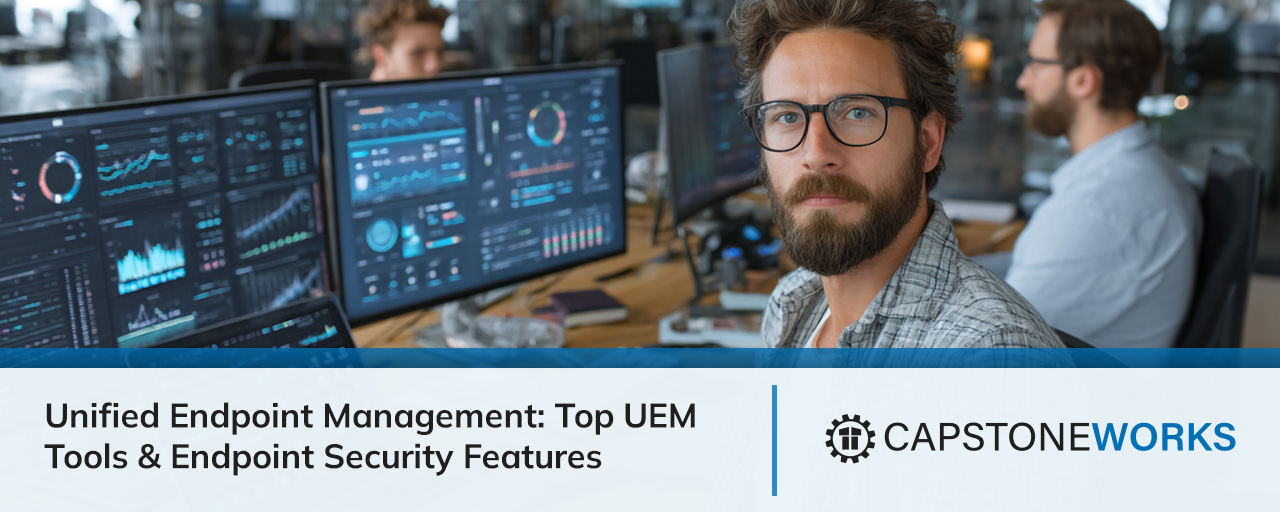
Businesses rely on UEM to reduce risks and improve efficiency. With more employees working remotely and using mobile devices, keeping track of every endpoint is challenging. UEM provides a single dashboard for device management and security, helping you stay compliant with regulations and protect sensitive data. It also supports patch management and mobile application management, so your devices stay up to date and secure.

Managing endpoints can be tricky if you don’t know what to watch out for. Here are some common mistakes businesses make and how you can avoid them with the right UEM strategy.
Relying on different tools for each device type can create confusion and security gaps. A unified endpoint management platform brings everything together, so you don’t miss important updates or leave devices unprotected.
Mobile devices are just as important as desktops and laptops. Skipping mobile device management can expose your business to risks. UEM includes mobile device management, making it easy to secure smartphones and tablets.
Putting off software updates leaves devices open to threats. UEM solutions automate patch management, so your devices get updates quickly and stay protected.
Without clear security policies, employees may use unsafe apps or weak passwords. UEM helps you set and enforce strong security policies across all devices.
If you don’t control what data can be shared or accessed, sensitive information might leak. UEM provides content management features to keep your business data secure.
Operating system updates can break apps or cause compatibility issues. UEM tools help you test and roll out updates smoothly, reducing downtime.
To get the most out of your UEM solution, look for these important features:

Endpoint security management is a top priority for any business. UEM gives you better control over every device, reducing the risk of data breaches and cyberattacks. By managing all devices from one place, you can quickly spot unusual activity and respond before problems spread.
UEM also helps you enforce consistent security policies. For example, you can require strong passwords, enable encryption, and block risky apps on every device. With features like enterprise mobility management, you can support remote work without sacrificing security. This approach is especially important for businesses handling sensitive customer data or following strict data security regulations.
Choosing a UEM solution can be tough, but focusing on the right features makes it easier. Here’s what you should consider before making a decision.
A good UEM platform should handle all types of endpoint devices, including laptops, desktops, smartphones, and tablets. This flexibility lets you manage your entire fleet from one place.
Compliance is easier when your UEM tool can automatically check devices for security settings and policy compliance. This helps you avoid fines and keeps your business safe.
Look for a UEM solution that allows IT teams to fix problems remotely. This saves time and reduces downtime for your employees.
The right UEM tool should work well with your current management platform and client management tools. Seamless integration means less hassle during setup and daily use.
Reporting features help you track device health, security incidents, and compliance status. Good analytics make it easier to spot trends and improve your endpoint management solutions over time.
As your business grows, your UEM platform should scale with you. Make sure the solution can handle more devices and users without slowing down.

Rolling out a unified endpoint management system takes planning, but it pays off in better security and easier management. Start by listing all the devices your business uses, including mobile devices and computers. Next, choose a UEM solution that fits your needs and budget.
Train your team on how to use the new platform, and set clear security policies from the start. Regularly review your setup to make sure it’s working as expected. Don’t forget to update your UEM tool and operating system support as your business grows or changes.
Following these best practices helps you get the most out of your UEM investment:
By sticking to these tips, you’ll improve endpoint security and make device management much easier for your team.

Are you a business with 25-75 employees looking to simplify device management and boost security? Growing companies often struggle to keep up with all the devices and security needs, especially as teams become more mobile and remote work increases.
We understand how important it is to manage and secure every endpoint without slowing down your business. Our team at Capstone Works, Inc. specializes in unified endpoint management, offering solutions that fit your needs and budget. Contact us to see how we can help you protect your devices and data.
Endpoint management means controlling and monitoring all the devices your team uses, like laptops, smartphones, and tablets. With unified endpoint management, you can manage and secure these devices from one dashboard, making it easier to enforce security policies and keep data safe.
Using a single management platform reduces mistakes and helps you stay compliant with regulations. It also streamlines tasks like patch management and mobile application management, saving your team time and effort.
UEM, or unified endpoint management, improves endpoint security by giving you full control over every device. You can set rules for passwords, encryption, and app usage, making it harder for hackers to get in.
With real-time monitoring and automated alerts, you can spot threats quickly and respond before they cause damage. This approach is more effective than using separate tools for each device type.
Look for features like centralized device management, automated patch management, and support for multiple operating systems. These make it easier to keep all your devices secure and up to date.
Other important features include mobile device management, content management, and integration with existing client management tools. These help you manage everything from one place and reduce manual work.
A UEM solution combines device management, security, and monitoring into one system. This unified approach reduces confusion and makes it easier to enforce consistent policies across all devices.
Using separate tools can lead to gaps in security and missed updates. With a UEM platform, you get a complete view of your endpoint devices and can respond faster to any issues.
Start by listing your business needs, such as the types of devices you use and your security requirements. Look for a UEM tool that supports your operating systems and integrates with your management solution.
Check for features like automated compliance checks, remote troubleshooting, and detailed reporting. The right UEM tool should be easy to use and scale as your business grows.
Yes, unified endpoint management helps you protect sensitive data and meet compliance requirements. It lets you set and enforce security policies, monitor devices for risks, and automate patch management.
Features like enterprise mobility management and real-time alerts make it easier to spot and fix problems before they become serious. This helps your business stay secure and avoid costly fines.
Learn how to build a cloud migration strategy with our expert cloud migration checklist. Discover steps, tools, and tips for a smooth, secure migration process.
View More
Learn how to spot and prevent insider threat with actionable insider threat detection tips. Protect your business from risks with real-world examples and solutions.
View More


.svg)


