


Learn about IaaS vs PaaS vs SaaS and what is SaaS vs PaaS vs IaaS. Discover key differences, benefits, and how to choose the right cloud service model.
View More

.png)
A 40-person structural engineering firm lost access to its project files three days before a permit deadline — not because of an attack, but because the one person who understood their server setup was on vacation and nobody else knew how to restart the backup service. The fix took six hours. The real problem had been building for two years: IT support that only existed in one person's head, with no documented plan and no one else who could step in.
Growing past 25 employees is usually the point where ad hoc IT — a part-time contractor, an owner who "handles the computers," or a break-fix vendor called only when something stops working — quietly becomes the biggest operational risk in the business. Managed IT support isn't an upgrade for its own sake; it's what replaces guesswork with a documented, monitored, accountable system.
Below a certain size, informal IT support is manageable — one server, a handful of laptops, a contractor on call. Past 25 employees, the number of systems, logins, vendors, and points of failure grows faster than most businesses notice, until the day something breaks and there's no clear answer for who's responsible, how long the fix will take, or what data might be at risk.
For firms in engineering, architecture, manufacturing, finance, and construction specifically, the stakes are higher: project files, client financials, and compliance-sensitive data all depend on systems that were never designed with real redundancy or oversight in the first place.
Key takeaway
If the health of your IT systems depends on one specific person being reachable, you don't have IT support — you have a single point of failure with a job title.
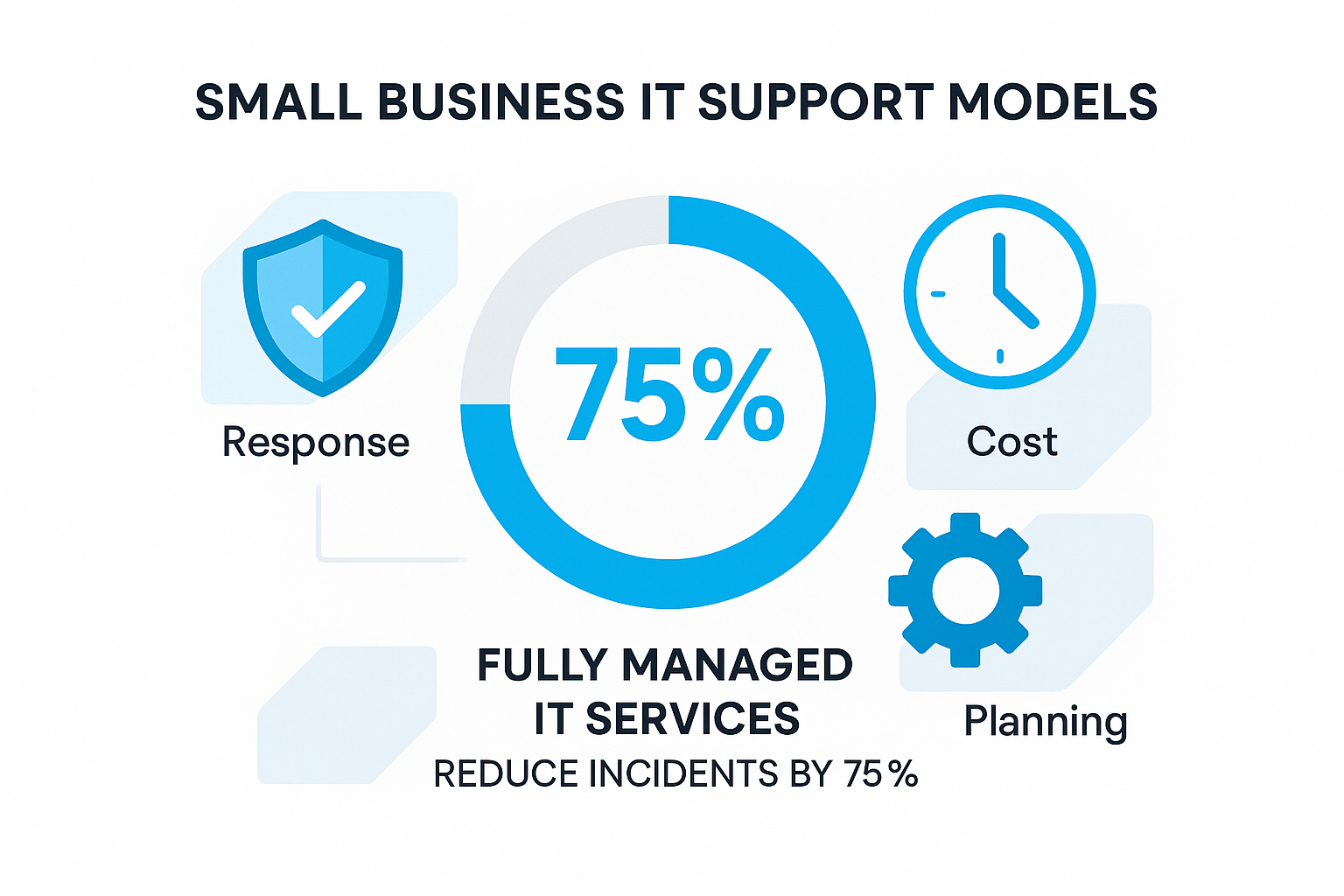
Most growing businesses choose between three models by default, rarely by deliberate comparison. Here's how they actually differ once something goes wrong.
Beyond the must-haves and recommendations above, a handful of practical questions separate a provider that fits a 25-75 person business from one built for a very different size or industry:
◆Do they already support similar businesses? A provider used to 5-person retail shops will approach things differently than one used to engineering and finance firms with compliance obligations.
◆Can they scale with you? The right partner at 30 employees should still fit at 75, without a disruptive re-platforming project in between.
◆Is onboarding a real audit, or a rubber stamp? A serious provider documents your current environment in detail before proposing anything — that documentation is what prevents the next single-point-of-failure problem.
◆What happens during a true emergency? Ask specifically what happens if your main office loses power or connectivity entirely — not just what happens when a laptop breaks.
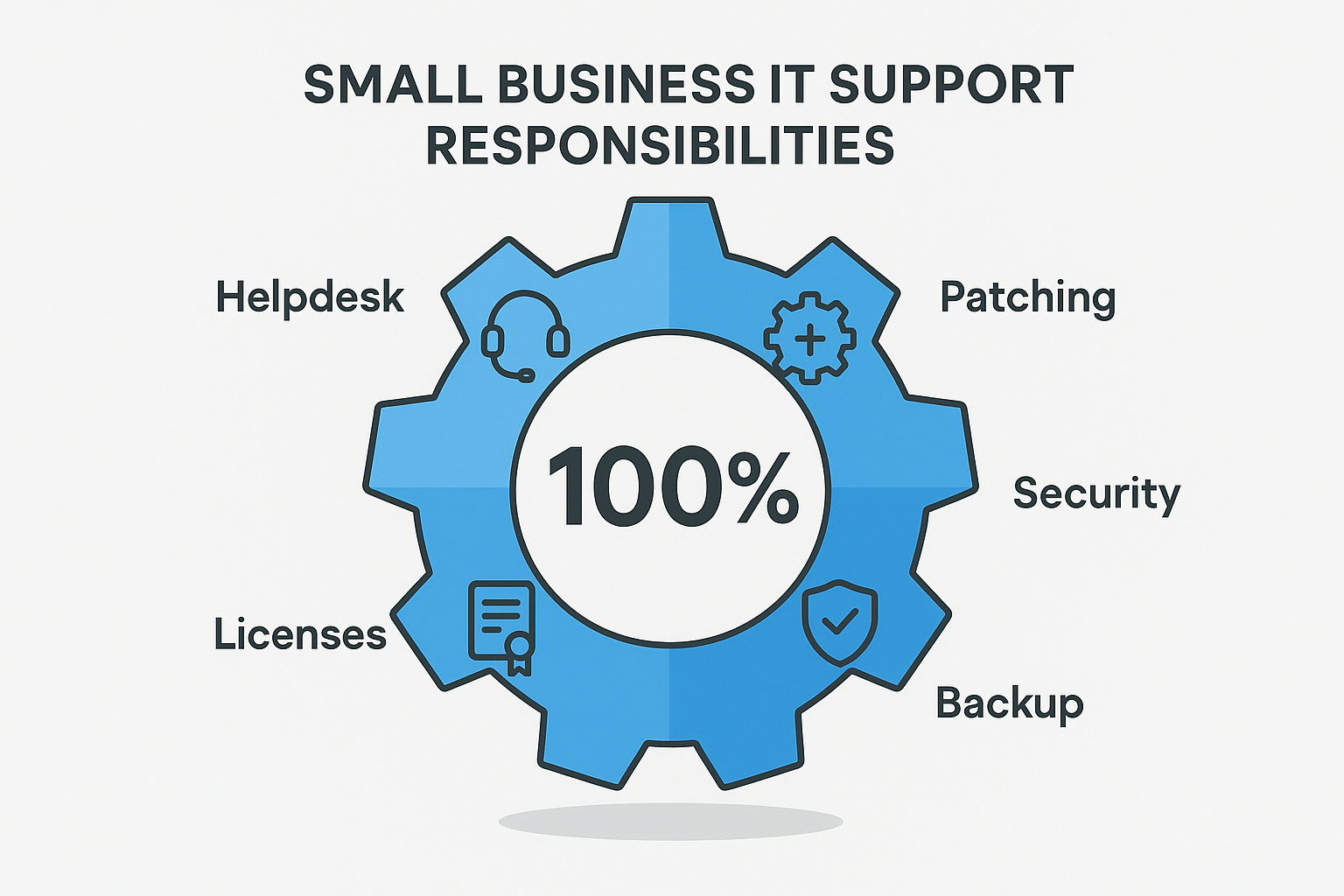
Key insight
The businesses that get burned by IT problems are rarely the ones with no IT support at all — they're the ones who assumed their informal arrangement was more resilient than it actually was, and never tested that assumption until it was too late.
There's no universal headcount, but most businesses feel the strain somewhere between 20 and 30 employees, when the number of systems and logins outgrows what one informal arrangement can reliably track.
Usually less, once you account for salary, benefits, training, and the coverage gap when a single in-house hire is out sick or on vacation — a managed team provides redundancy an individual hire can't.
Often yes for businesses in this size range, though some keep one internal point of contact who works alongside the managed provider rather than handling everything solo.
A proper environment audit and transition typically takes a few weeks, not days — a provider promising same-day full onboarding is usually skipping the documentation step that matters most.
Managed IT support is the broader umbrella — monitoring, help desk, patching, backups — while cybersecurity services are typically one component within it, though some providers offer security as a separate add-on tier.
Good ones will, but it's worth confirming directly — ask a prospective provider whether they've supported businesses using your specific project management, CAD, or accounting platforms before signing anything.
At minimum: a written response-time SLA, what's covered versus billed separately, backup testing frequency, and an exit clause describing how your data and systems are handed back if you switch providers.
If you can't answer who else could step in tomorrow if your current IT contact were unavailable for two weeks, that's the clearest sign a documented, redundant support system is overdue.
Learn about IaaS vs PaaS vs SaaS and what is SaaS vs PaaS vs IaaS. Discover key differences, benefits, and how to choose the right cloud service model.
View More
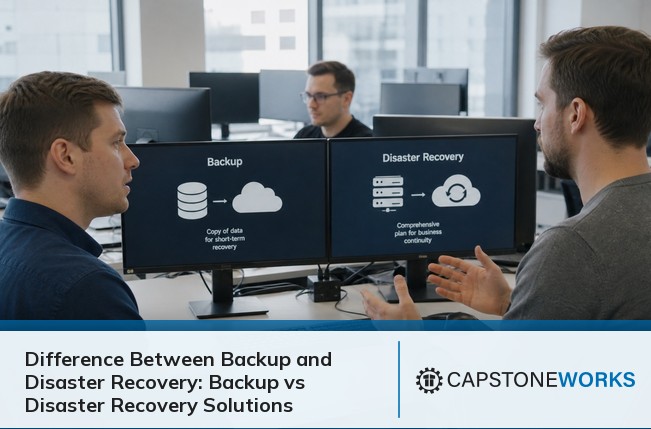
Learn the difference between backup and disaster recovery, and why both matter for business continuity. Discover practical tips for recovery solutions and planning.
View More


.svg)


